At a glance: the 6 best document scanners
| # | Scanner | Type | Speed (ppm) | Best for | Price | Rating | |
|---|---|---|---|---|---|---|---|
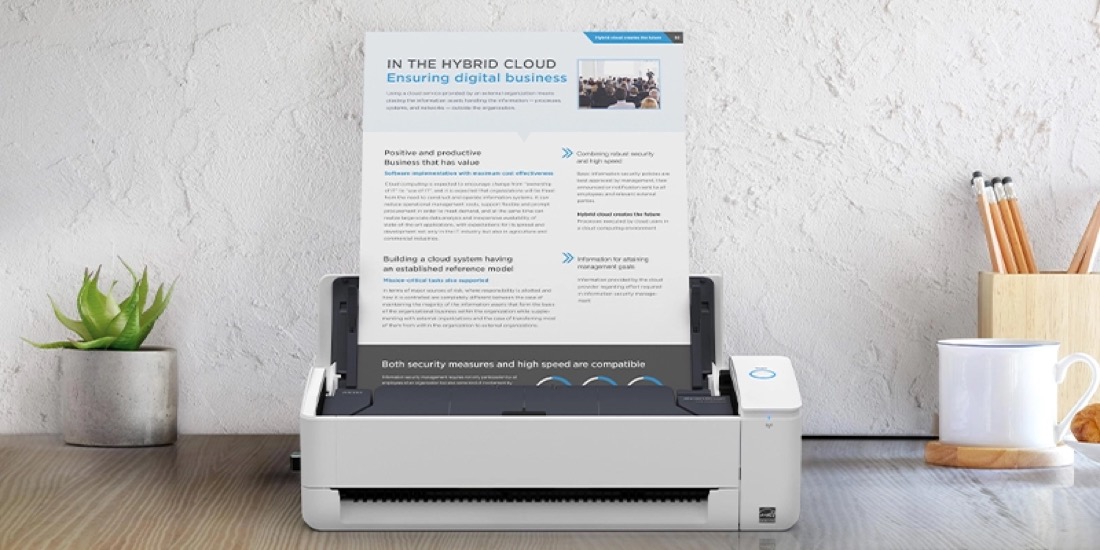
| 1 | Fujitsu ScanSnap iX1600 | ADF sheet-fed | 40 ppm | Best overall | $$$ | ★★★★★ 4.9 | Check price |
| 2 | Epson WorkForce ES-580W | ADF sheet-fed | 35 ppm | Best wireless | $$$ | ★★★★★ 4.7 | Check price |
| 3 | Brother ADS-1700W | ADF compact | 25 ppm | Best compact | $$ | ★★★★½ 4.6 | Check price |
| 4 | Fujitsu ScanSnap iX1300 | ADF dual-path | 30 ppm | Mixed documents | $$ | ★★★★½ 4.5 | Check price |
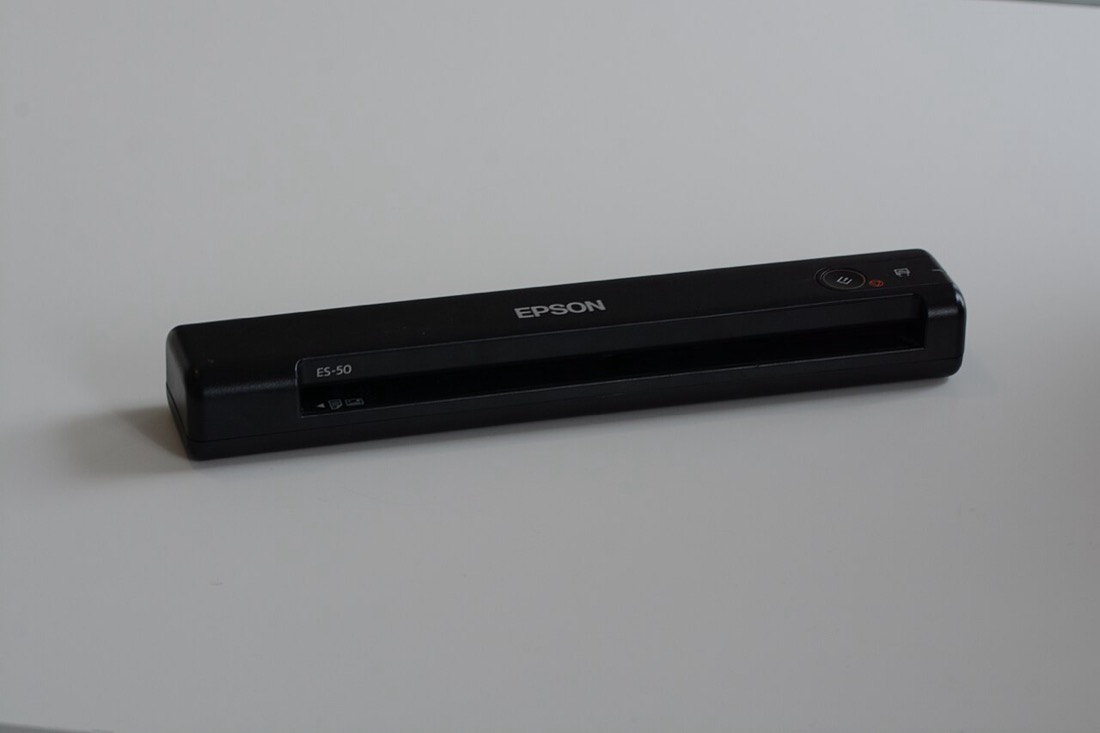
| 5 | Epson WorkForce ES-50 | Portable single-feed | 5.5 sec/page | Best portable | $ | ★★★★ 4.3 | Check price |
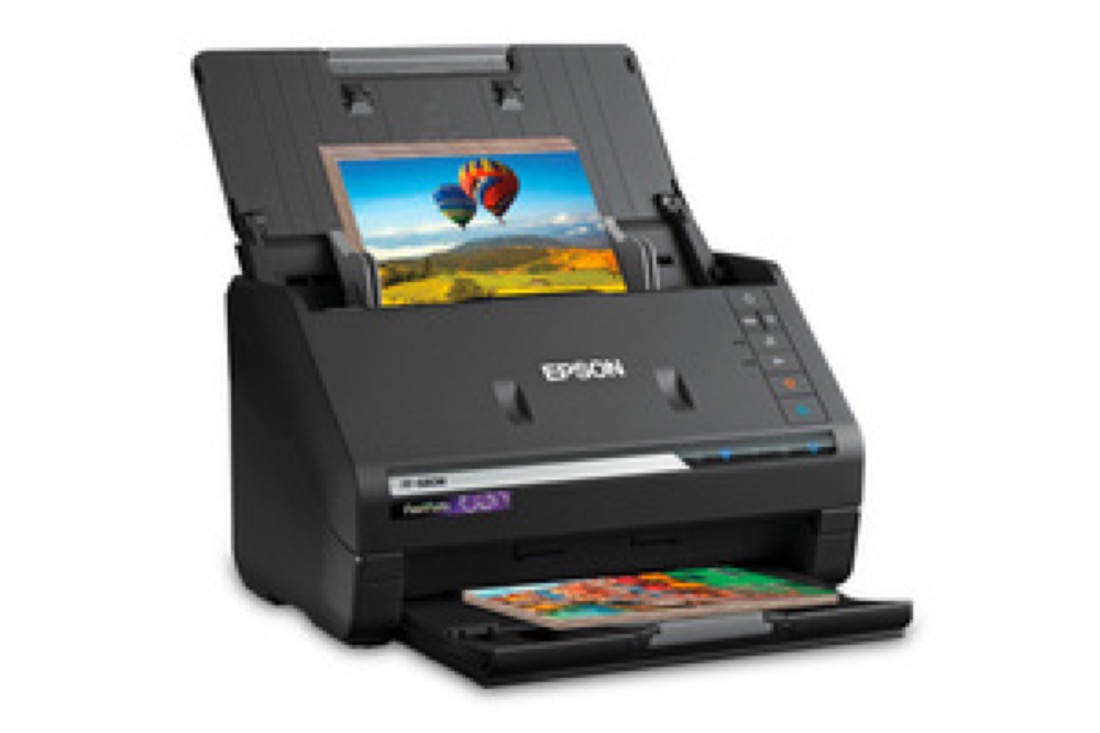
| 6 | Epson FastFoto FF-680W | ADF photo + doc | 1 photo/sec | Photos + docs | $$$$ | ★★★★½ 4.6 | Check price |
Detailed reviews
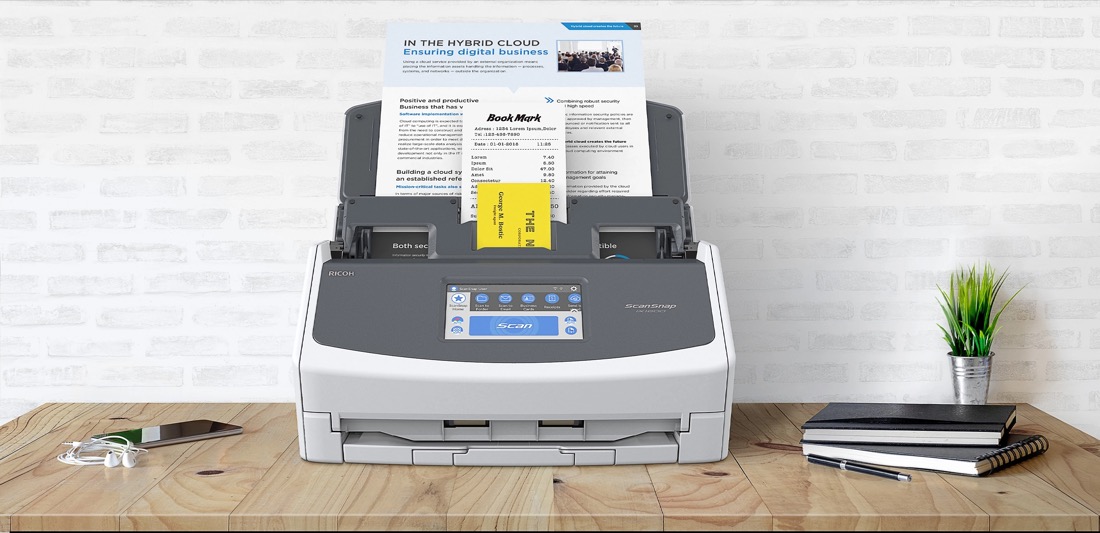
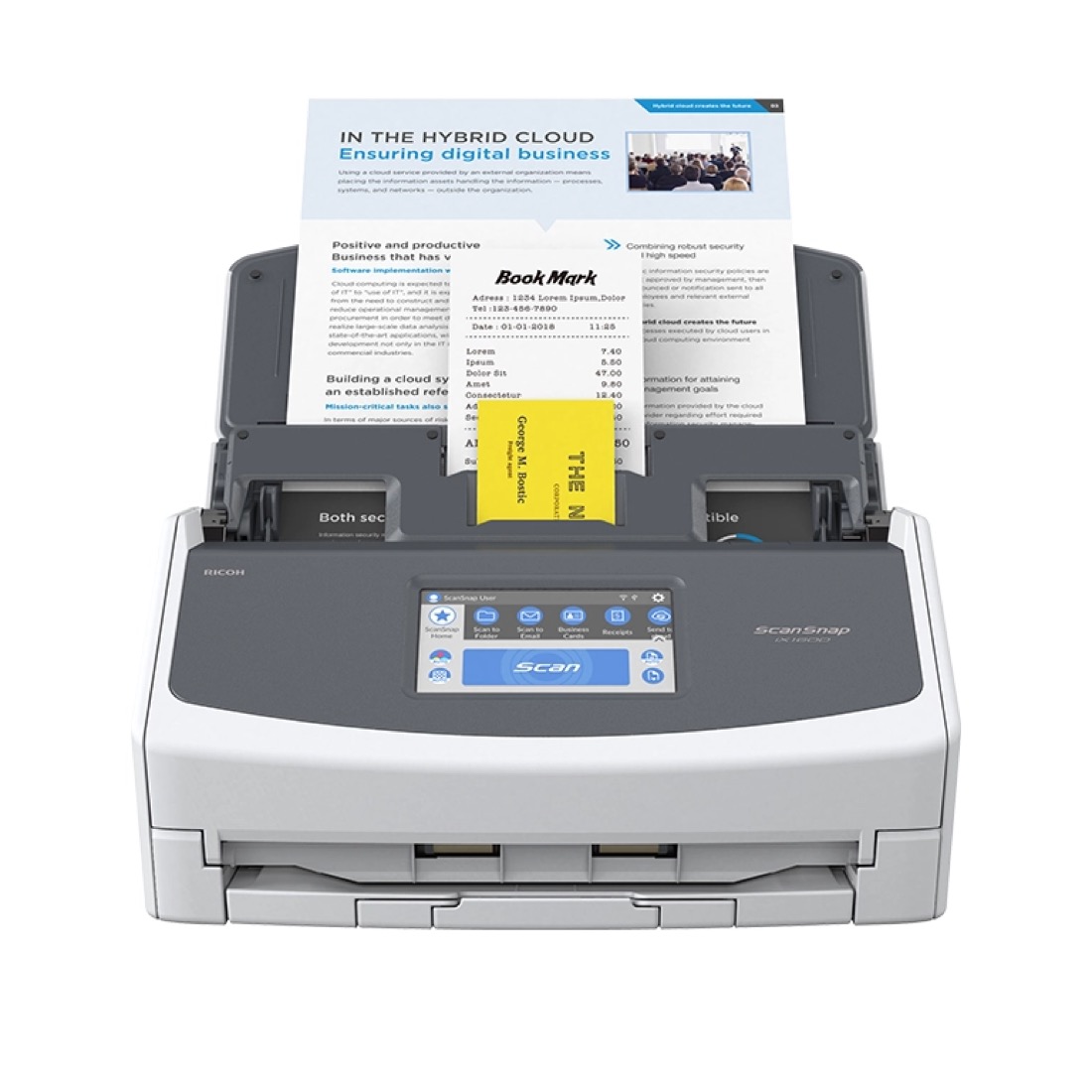
1. Fujitsu ScanSnap iX1600
Best for: Anyone serious about clearing every paper pile, fast.
- Scans 40 pages per minute with automatic two-sided (duplex) capture
- 4.3" color touchscreen with one-touch profiles — no PC needed
- 50-sheet feeder swallows whole stacks in one pass
- ScanSnap Home software auto-sorts receipts, cards and documents into searchable PDFs
Pros
- Blazing fast and reliable
- Brilliant touchscreen
- Excellent software
Cons
- Premium price
- Bulkier than compacts
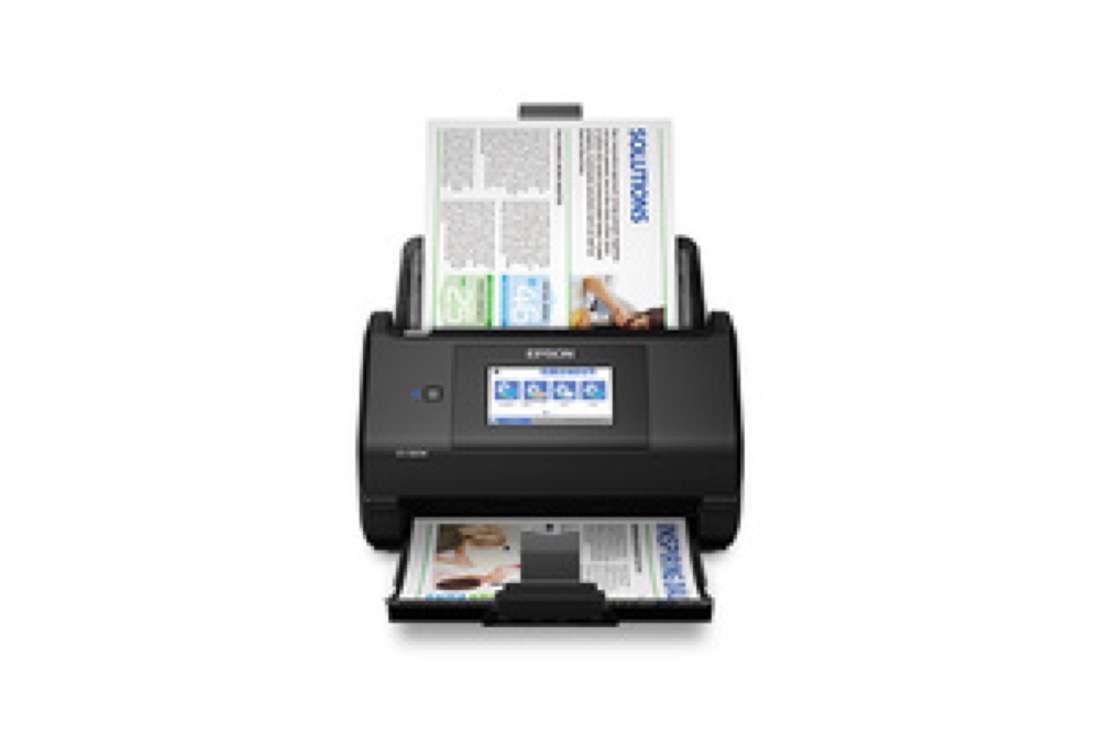
2. Epson WorkForce ES-580W
Best for: Cable-free scanning straight to your phone or the cloud.
- 35 ppm duplex scanning over Wi-Fi or USB
- 4.3" touchscreen sends scans to Dropbox, Google Drive and email
- 100-sheet feeder for high-volume batches
- Scans directly to a smartphone via the Epson Smart Panel app
Pros
- Flexible wireless
- Big feeder
- Strong cloud support
Cons
- Software less polished than ScanSnap
- Larger footprint
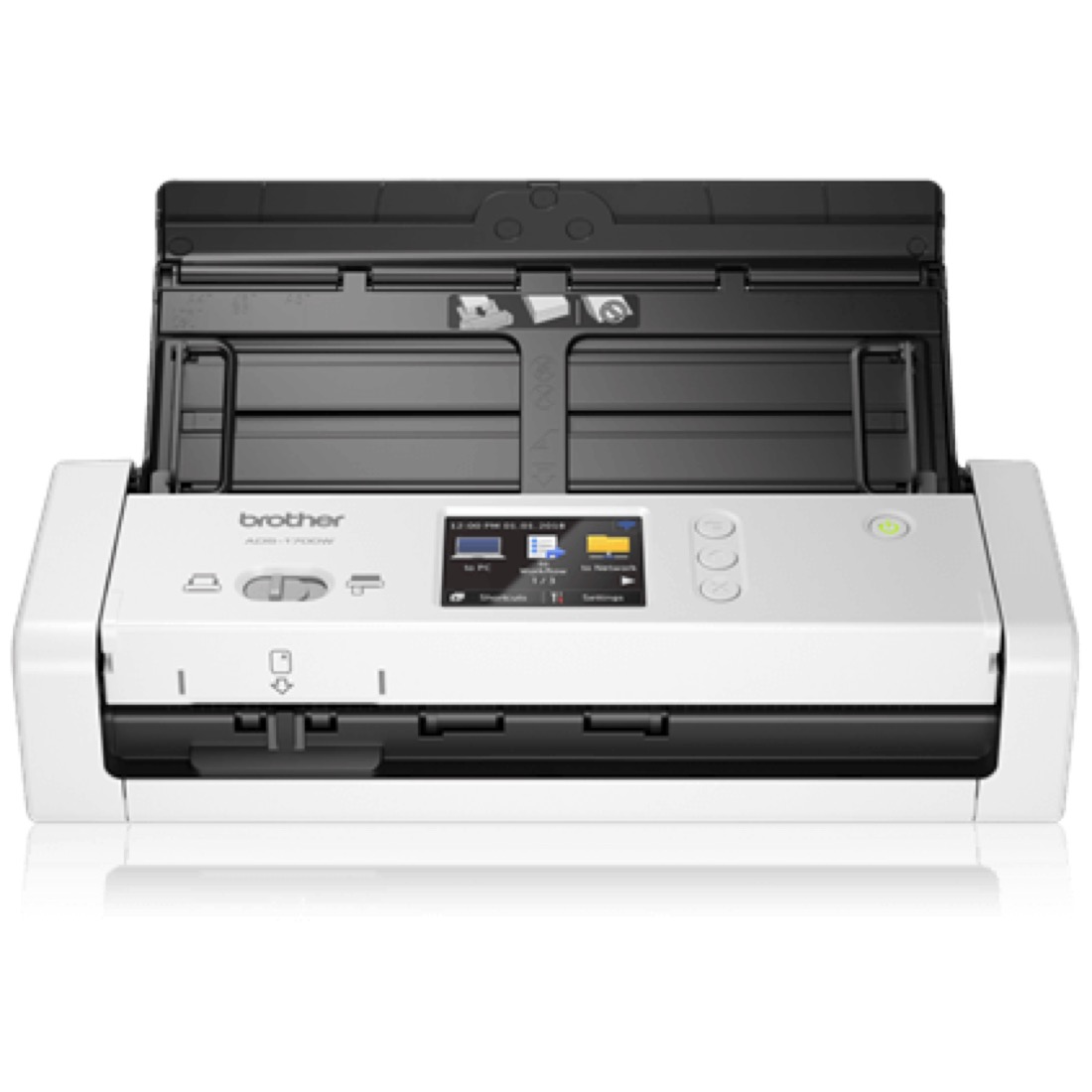
3. Brother ADS-1700W
Best for: A capable scanner that hides on a crowded desk.
- Palm-sized body still does 25 ppm duplex scanning
- 2.8" color touchscreen with customizable shortcuts
- Wi-Fi, USB and direct-to-cloud destinations built in
- Handles ID cards, receipts and plastic cards with ease
Pros
- Tiny footprint
- Great value
- Versatile feeder
Cons
- Smaller 20-sheet tray
- Slower than desktop models
4. Fujitsu ScanSnap iX1300
Best for: Juggling single receipts and thick stacks all day.
- Dual scan paths — a U-turn return path for one-offs and a straight path for stacks
- 30 ppm automatic duplex scanning
- Compact body that fits the iX1600's smart software
- Auto-detects paper size, color and orientation per page
Pros
- Clever dual feed
- Same great software
- Space-saving design
Cons
- No touchscreen
- Smaller feeder than iX1600
5. Epson WorkForce ES-50
Best for: Scanning on the road, powered by a single USB cable.
- One of the lightest, most compact scanners you can buy
- Scans a page in about 5.5 seconds, USB-powered — no outlet needed
- Bundled software creates searchable PDFs and editable files
- Slips into a laptop bag for travel, fieldwork or a tidy desk
Pros
- Ultra-portable
- No power brick
- Affordable
Cons
- Single-sheet feed only
- No duplex or Wi-Fi
6. Epson FastFoto FF-680W
Best for: Digitizing decades of printed photos and paperwork.
- Scans a photo per second at 300 dpi — batches of prints in minutes
- Auto-enhances faded photos and captures handwritten notes on the back
- Switches to document mode for 45 ppm duplex paper scanning
- Wi-Fi scanning straight to computer, phone or the cloud
Pros
- Photo + document in one
- Very fast batches
- Great auto-enhancement
Cons
- Most expensive here
- Overkill for docs only
💡 Which scanner should you buy?
For most people going paperless, the Fujitsu ScanSnap iX1600 is the safe, do-it-all pick — fast, duplex and dead simple from its touchscreen. Want to scan straight to your phone or the cloud with no cables? The Epson WorkForce ES-580W is the wireless champ. Tight on desk space? The Brother ADS-1700W packs real power into a tiny body. And if you've got shoeboxes of old photos to rescue alongside your documents, the Epson FastFoto FF-680W does both beautifully.
How to choose the best document scanner for going paperless
Going paperless isn't about buying the most expensive scanner — it's about buying the one that makes scanning so frictionless you actually keep doing it. The difference between a paperless desk and a growing "to-scan" pile usually comes down to a few key features. Here's what actually matters.
ADF vs flatbed: feed the stack
The single biggest decision is ADF versus flatbed. A flatbed scanner is the lid-and-glass type you press one page onto at a time — fine for a book or a fragile original, but agonizing for a stack of statements. An ADF (automatic document feeder) pulls a whole pile through the machine automatically, one sheet after another, with no babysitting. For going paperless, an ADF sheet-fed scanner wins every time, and all six picks above are ADF models. If you also need to scan the occasional bound book or oversized page, look for a hybrid or keep a cheap flatbed as a backup — but don't make the flatbed your daily driver.
Duplex scanning: both sides in one pass
So much paperwork is double-sided — bank statements, contracts, tax forms — and re-feeding every page to catch the back is the fastest way to abandon a paperless project. Duplex scanning captures both sides of a page in a single pass, instantly. The ScanSnap iX1600, Epson ES-580W, Brother ADS-1700W, ScanSnap iX1300 and FastFoto FF-680W all do automatic duplex; the portable ES-50 is single-sided, which is the trade-off for its tiny size. If you scan anything with two-sided pages, duplex is non-negotiable.
OCR and searchable PDFs
A scan that's just a flat picture of a page is barely better than the paper itself — you still can't search it. OCR (optical character recognition) reads the text in your scan and embeds it invisibly behind the image, creating a searchable PDF. Now you can hit Ctrl-F to find "invoice 2024" across a thousand files, or copy a paragraph out of a contract. Every scanner here ships with OCR software, and it's the feature that truly makes paper digital. Once you have that searchable PDF, you'll often want to tidy it — and that's where a good editor comes in.
Scan speed and feeder capacity
Speed is measured in pages per minute (ppm), and feeder capacity tells you how big a stack you can drop in before re-loading. A 40 ppm scanner with a 50-sheet feeder, like the iX1600, clears a year of mail in a single sitting. A 25 ppm compact like the Brother is plenty for a few documents a day. Match the speed to your backlog: if you're digitizing a filing cabinet, buy fast; if you're scanning a handful of receipts a week, a slower compact or portable saves money and space.
Wireless and cloud scanning
Wireless scanning frees the machine from your computer. With Wi-Fi models like the ES-580W, ADS-1700W and FastFoto, you can scan straight to your phone, to a network folder, or directly into Dropbox, Google Drive or OneDrive from the scanner's own touchscreen. That's a huge deal for a paperless workflow — the document goes from paper to cloud-stored PDF without a PC ever being involved. If everyone in the house shares the scanner, wireless is worth paying up for.
Receipts vs documents vs photos
Not all paper is equal. Receipts are small, flimsy and often crumpled — look for a scanner with good auto-crop and receipt-management software (the ScanSnaps excel here). Documents are the bread and butter: any ADF duplex model handles letter and legal pages all day. Photos are a special case — they need higher resolution and gentle handling, which is exactly what the FastFoto FF-680W is built for, scanning a print per second while auto-enhancing color. Be honest about what you're digitizing and buy the scanner that's tuned for it.
You scanned it — now finish the job for free
Here's the part most scanner guides skip: a scanner's job ends the moment it spits out a PDF, but yours usually doesn't. That fresh scan often needs work — the pages came out in the wrong order, you scanned a blank back page by accident, two contracts need to become one file, or a 40 MB scan is too big to email. You don't need expensive desktop software for any of it.
After your scanner outputs a PDF, you can edit, merge, split, compress, rotate and sign it completely free in your browser with RaptorPDF — with no upload, no signup and nothing to install. Everything runs locally on your device, so your scanned bank statements and contracts never leave your computer. Reorder pages after a messy scan, delete that blank side, merge a stack of single-page scans into one tidy document, or shrink a bloated file down to email size in seconds. It's the natural last step of any paperless workflow: scan with the hardware above, then clean it up with RaptorPDF. That combination — a fast duplex scanner plus a free in-browser PDF editor — is genuinely all most people need to go fully paperless.
Frequently asked questions
What is the best document scanner for going paperless?
The Fujitsu ScanSnap iX1600 is the best for most people — 40 ppm, automatic duplex scanning, a one-touch color touchscreen and excellent searchable-PDF software. For wireless flexibility the Epson WorkForce ES-580W is the top pick, and the Brother ADS-1700W is the best compact option for smaller desks.
Do document scanners create searchable PDFs?
Yes. Every scanner in this guide ships with OCR software that turns your scans into searchable PDFs, so the text inside a document becomes selectable and findable. After scanning you can further edit, merge or compress that PDF for free in your browser with RaptorPDF, with no upload and no signup.
Should I get an ADF or a flatbed scanner?
For going paperless, an ADF (automatic document feeder) sheet-fed scanner is far better than a flatbed because it pulls a stack of pages through automatically and scans both sides at once. Flatbeds are only worth it for bound books, fragile originals or oversized art. All six scanners here are ADF models.
Can I edit a scanned PDF for free?
Yes. Once your scanner outputs a PDF you can edit, merge, split, compress, rotate and sign it completely free in your browser with RaptorPDF. There's no upload, no account and no software to install — your files never leave your device.
Scanned it? Now edit the PDF free.
Merge, split, compress, rotate and sign your scanned PDFs right in your browser with RaptorPDF — no uploads, no signup, completely free.
Open RaptorPDF →