Gear for a Paperless, PDF-First Life
Hands-on guides to the tablets, scanners, styluses and screens that make working with documents faster — tested and ranked.
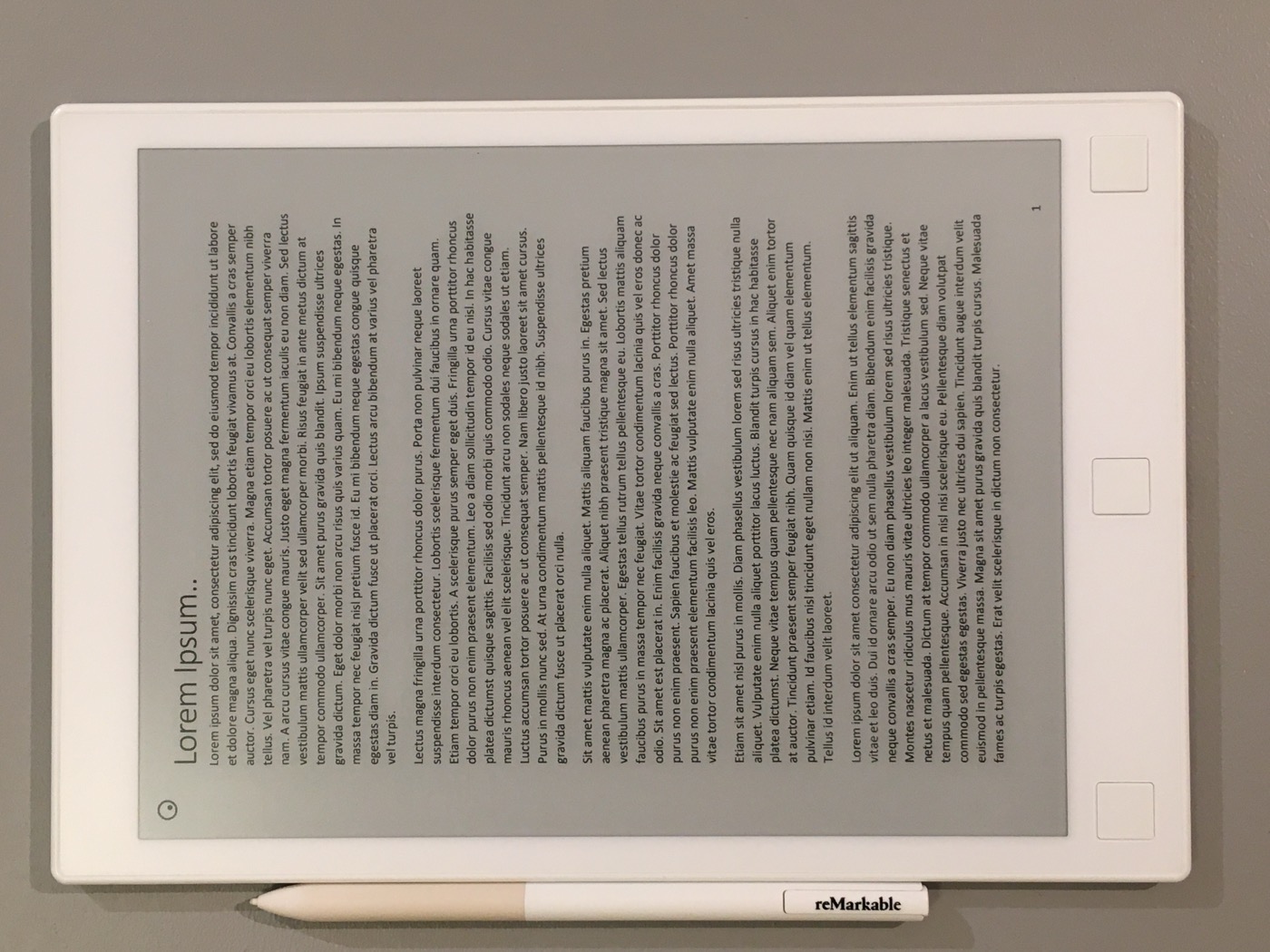
Best Tablets for Annotating PDFs (2026)
6 tablets compared — iPad Air, reMarkable 2, Surface Pro 9 and more — for reading, marking up and signing PDFs.
Read the guide →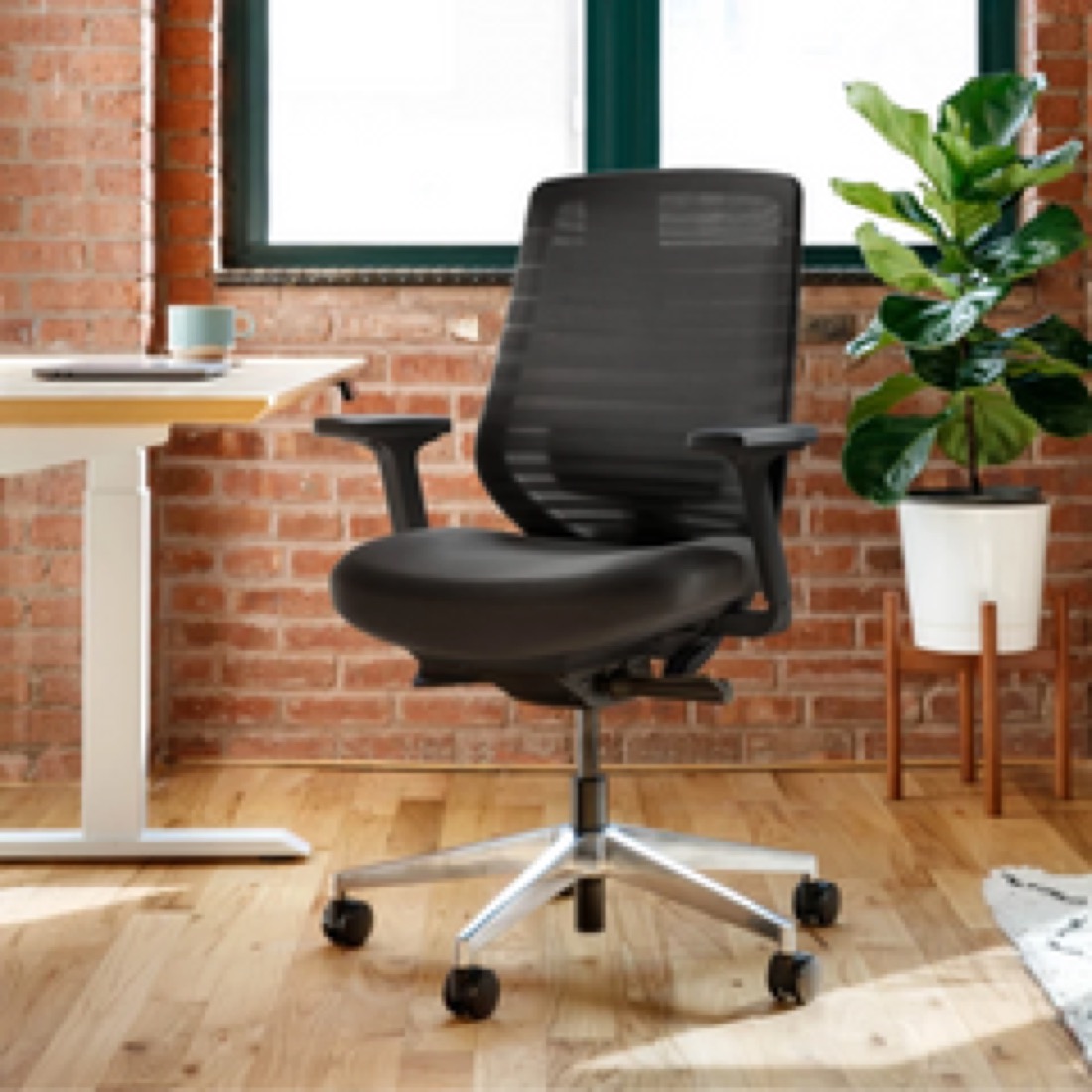
Best Ergonomic Office Chairs (2026)
6 chairs compared — Aeron, Steelcase Leap, Branch, IKEA Markus and more — for back support and value.
Read the guide →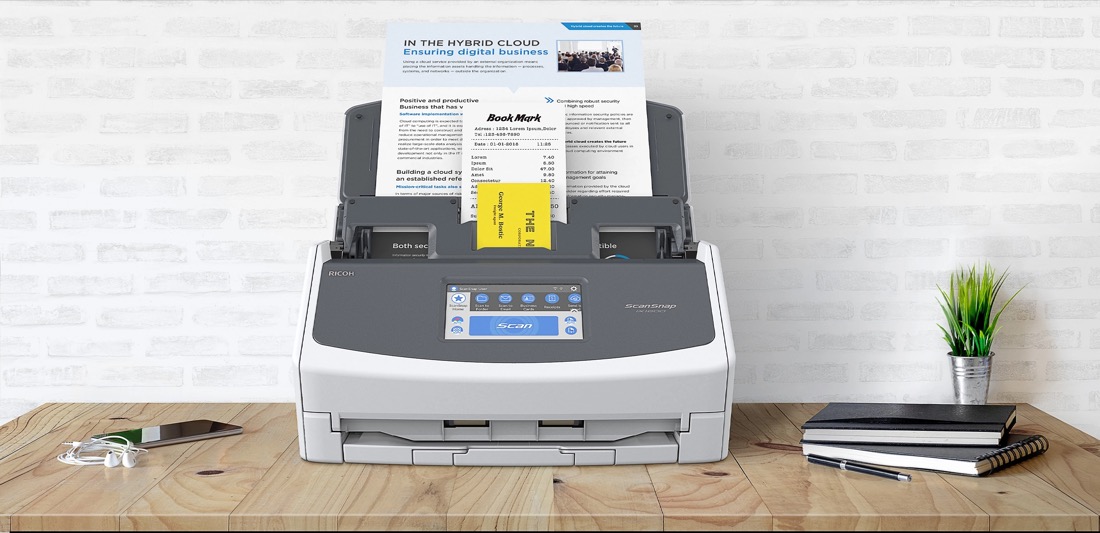
Best Document Scanners for Going Paperless (2026)
6 scanners compared — ScanSnap, Epson, Brother and more — that turn paper into searchable PDFs.
Read the guide →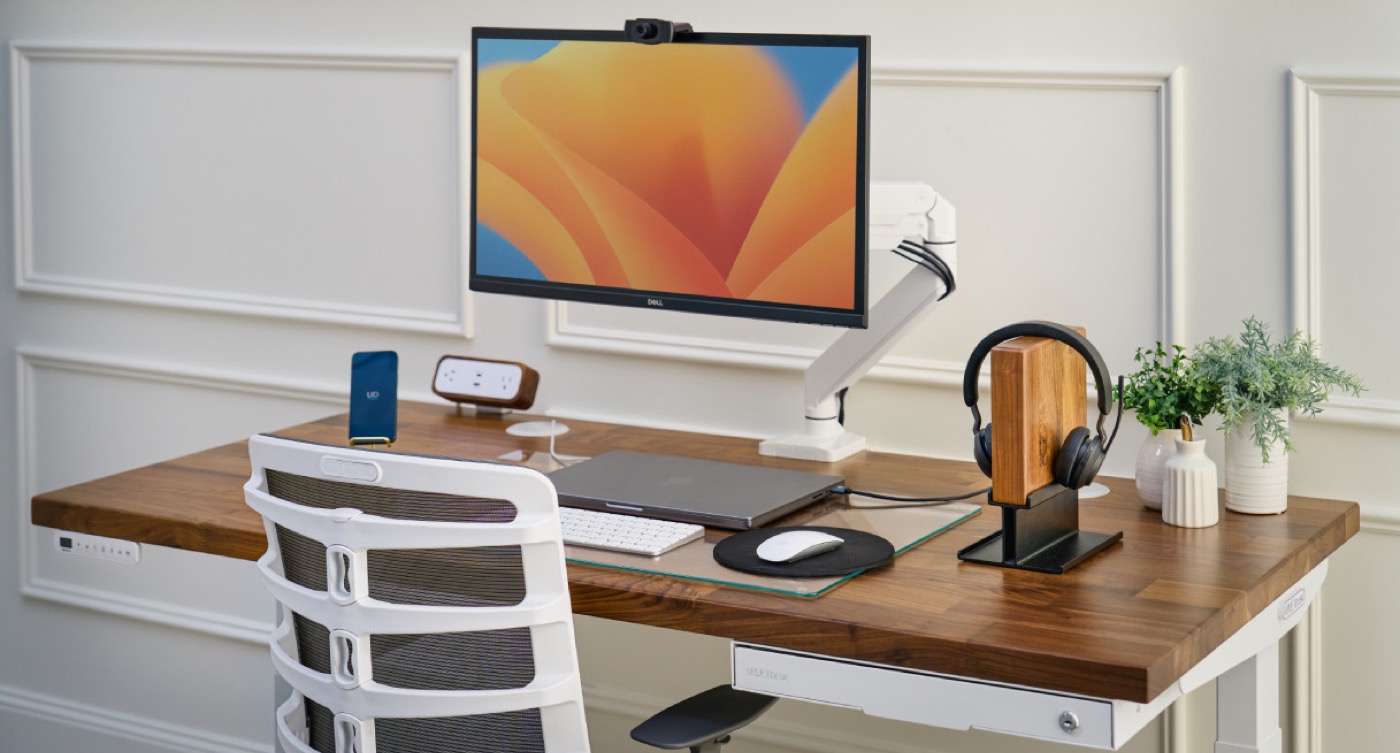
Best Standing Desks for a Home Office (2026)
5 desks compared — Uplift, Fully Jarvis, Vari, Secretlab and Autonomous — for height, stability and value.
Read the guide →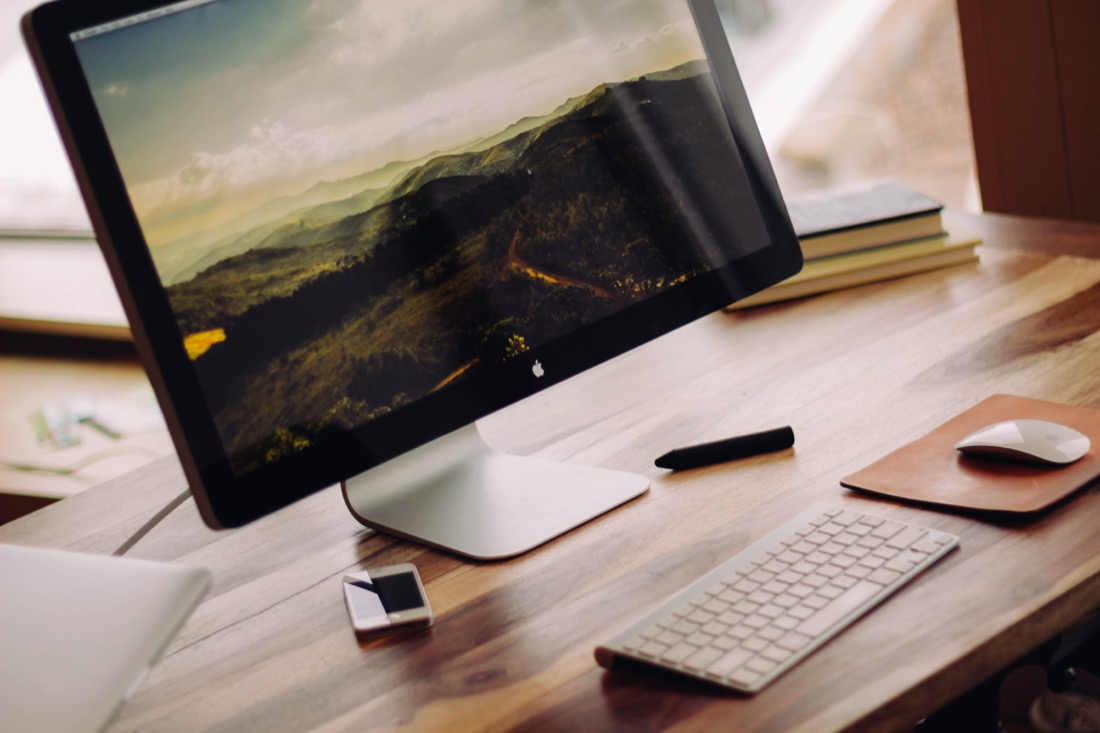
Best Desk Accessories to Boost Productivity (2026)
Monitor light bar, laptop stand, monitor arm and more — the upgrades that make a desk work harder.
Read the guide →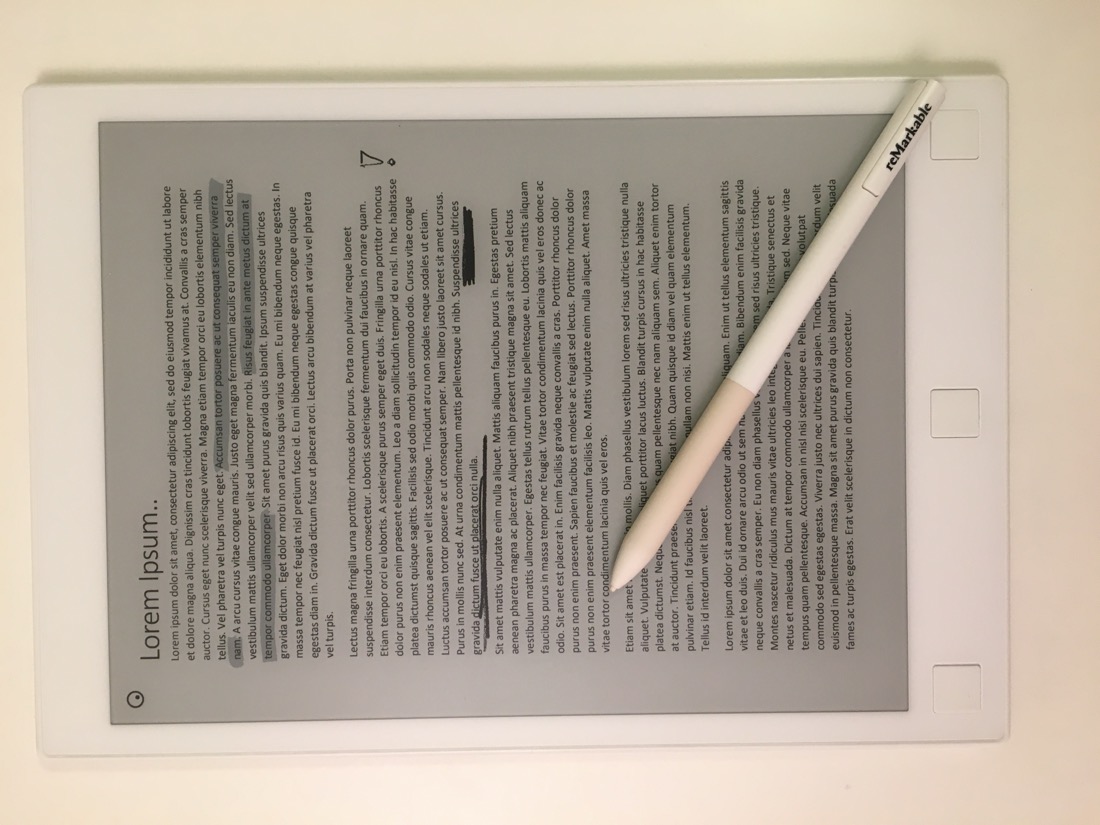
Best Styluses for Signing & Marking Up PDFs
From Apple Pencil to budget picks — the best pens for PDF work.
Coming soon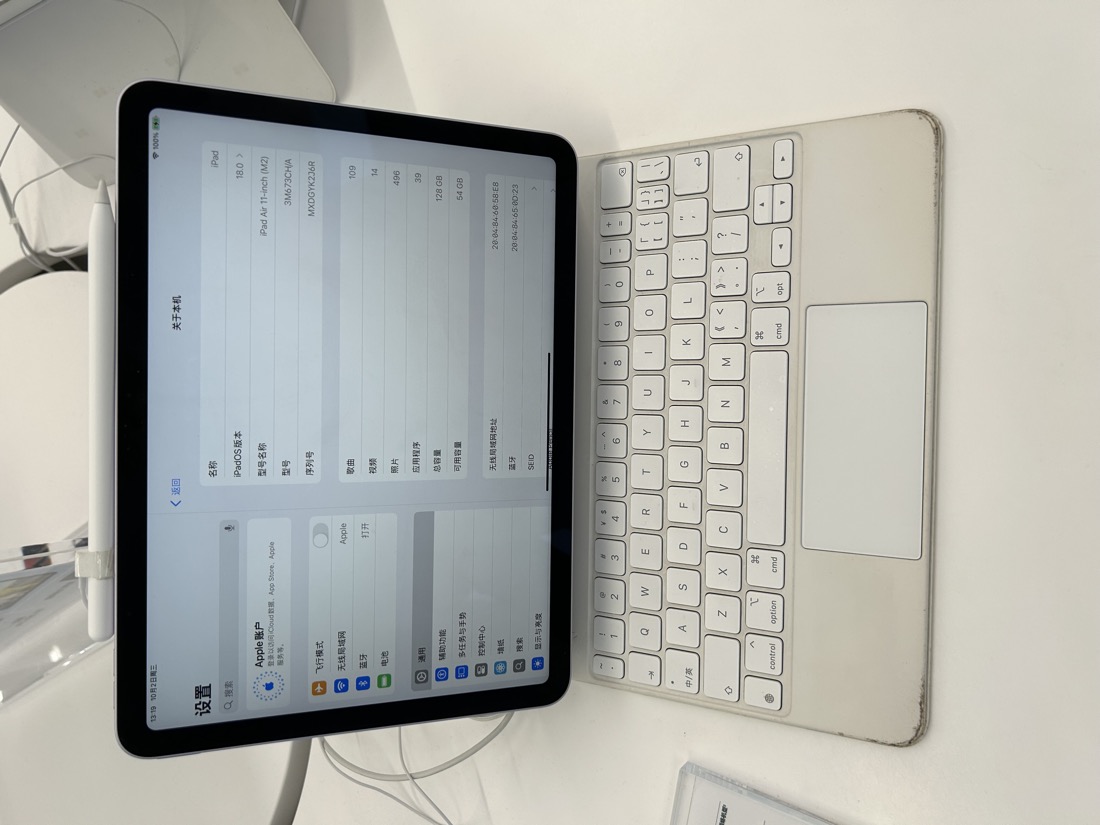
reMarkable 2 vs iPad: Which Is Better for PDFs?
A head-to-head on the two most popular PDF devices.
Coming soonGot the gear? Get the tool.
Edit, annotate, merge, split and sign PDFs free in your browser — no uploads, no signup.
Open RaptorPDF →