Guide
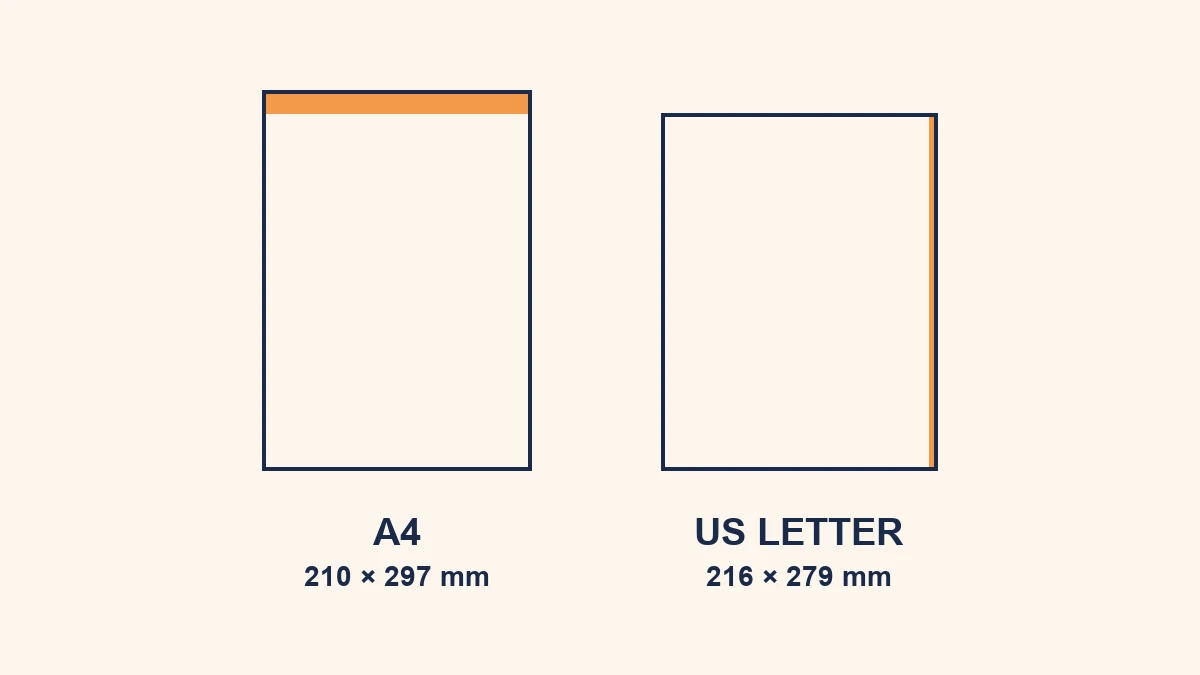
A4 vs US Letter: Why Your PDF Prints Wrong (and How to Fix It)
They look identical on screen but differ just enough to clip your footer or shift your margins. The real difference — and how to convert cleanly.
Discover the latest in PDF editing, conversion, and privacy. Our guides help you work smarter with documents while keeping your files secure and private. Learn about browser-based PDF tools, comparison guides, and productivity tips.
They look identical on screen but differ just enough to clip your footer or shift your margins. The real difference — and how to convert cleanly.
Typed, drawn, image, or a real digital certificate — what each method actually means, when it's enough, and how to sign for free.
Cloud vs local processing, how long files are kept, and two quick ways to tell where your document actually goes — in plain English.
What actually makes a PDF big — images, scans, fonts — and six honest ways to reduce the size, each labelled with what it costs you.
No Word or Acrobat needed. Start from a blank page in your browser, add text, images and pages, and download — free, no signup, no watermark.
Turn one page or the whole PDF 90°, 180° or 270° and save the rotation permanently — in your browser, no upload, no watermark.
Stamp DRAFT, CONFIDENTIAL or your own text across every page. Set opacity and angle, then download — free, in your browser, no signup.
Do all three entirely in your browser — no file ever leaves your device. Free, no signup, no watermark. Ideal for contracts, financial and medical PDFs.
PDF file too large to email or upload? Learn 5 free methods to reduce PDF size fast in 2026 — no quality loss, no software install, works in your browser.

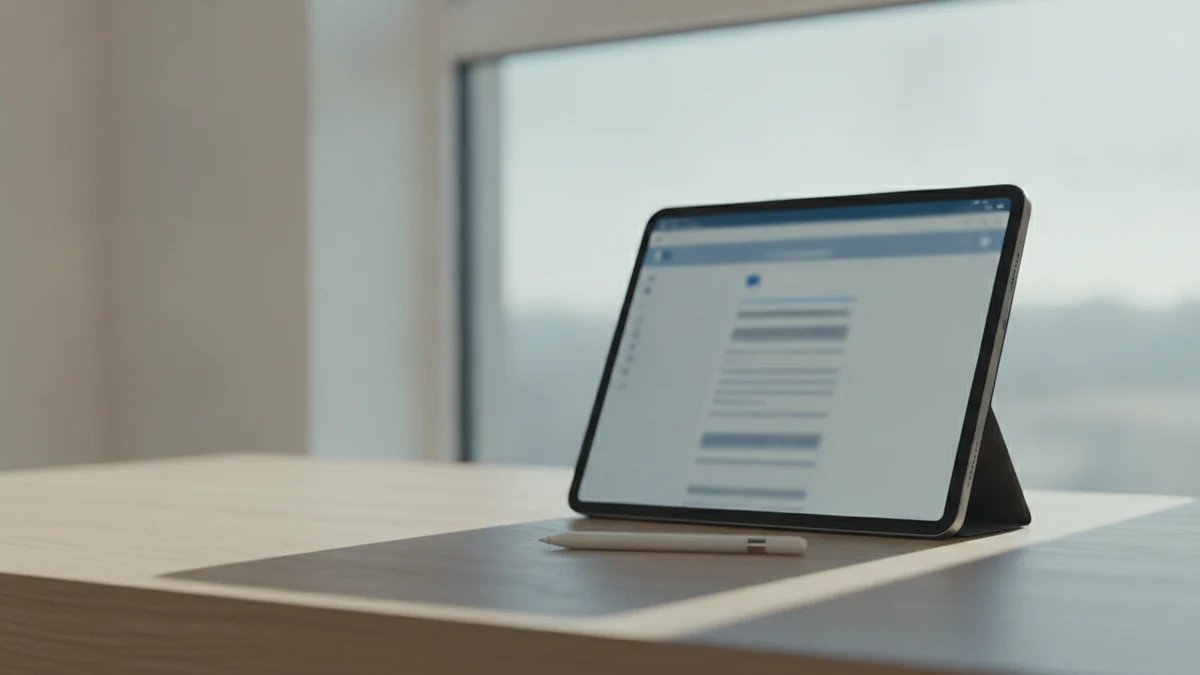
How to edit PDF on iPad free without Adobe in 2026. Use Safari browser with RaptorPDF — works with Apple Pencil. Compare with Files app, PDF Expert, and...

RaptorPDF vs iLovePDF: full 2026 comparison of privacy, upload policy, features, speed, and pricing. Which free PDF editor should you use?
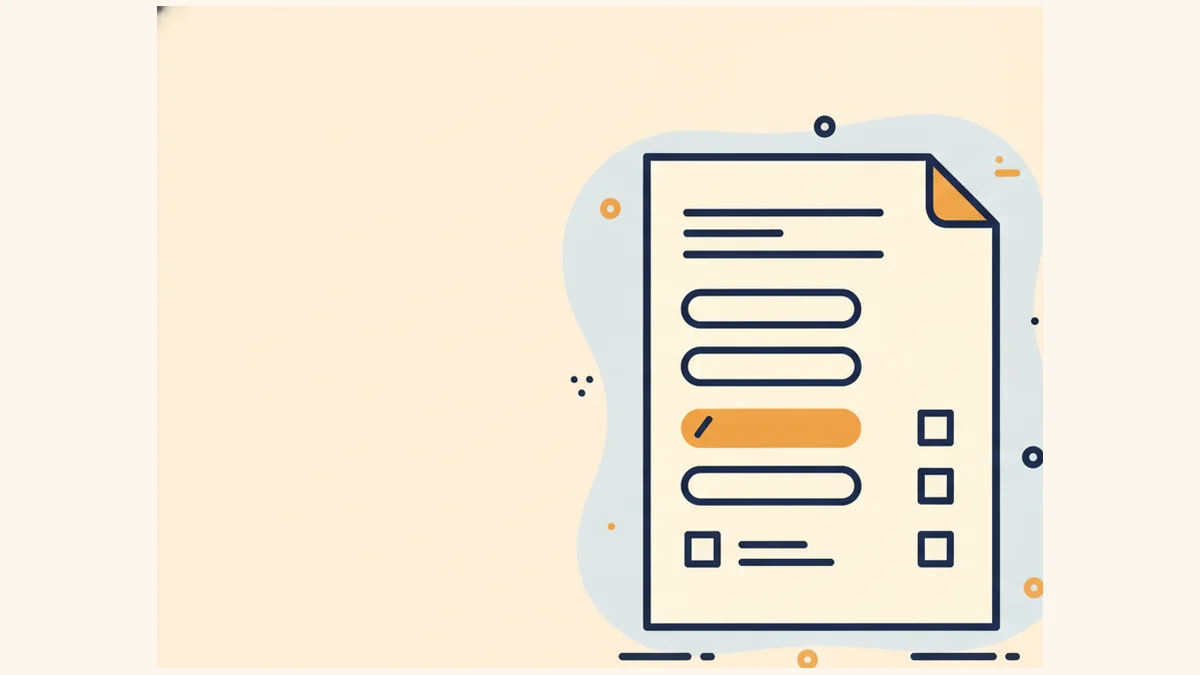
How to fill out a PDF form online free without Adobe Acrobat in 2026. Step-by-step guide for fillable and non-fillable PDFs — type on PDF, add checkmark...
How to edit a PDF without installing any software in 2026. 5 methods using your browser, Google Docs, Canva, and more. No downloads, no accounts required.

Best iLovePDF alternatives with no file upload in 2026. Browser-based PDF tools that process files locally without sending them to any server.

RaptorPDF vs Smallpdf: Which free PDF editor is better in 2026? Full comparison of privacy, file upload policy, speed, features, and pricing.
Most PDF editors upload your files to servers in Spain or Switzerland. RaptorPDF processes everything in your browser — nothing ever leaves your device. Here's why that matters.
Is iLovePDF safe for sensitive documents? Honest 2026 review covering GDPR compliance, file retention, what happens to your uploaded files, and safer alternatives.
Is Smallpdf safe to use? Learn what happens when you upload files to Smallpdf's Swiss servers, their GDPR compliance, data retention policies, and safer no-upload alternatives.
Edit, annotate, merge and convert PDFs on Chromebook for free — no Linux environment, no Android apps, no software installation. Works in Chrome OS natively.
Master PDF editing for free with our comprehensive guide. Add text, images, annotations, merge, split, and convert PDFs online. Compare Adobe alternatives and find the best free PDF editor.
Learn how to rearrange PDF page order for free. Change, sort, and organize PDF pages with drag and drop - works on Mac, Windows, iPhone. No software needed.
Learn how to delete pages from PDF for free online. Remove unwanted, blank, or specific pages from any PDF document without software. Step-by-step guide.
Split PDF online free — extract pages, split by size, split pages in half, convert PDF to JPG. No Adobe Acrobat needed. Works on any device.
Complete guide to signing PDF documents for free. Learn how to add electronic signatures on iPhone, Mac, Windows, Android. Create legally binding signatures without software.
Get answers to the most frequently asked PDF questions: editing, converting, compressing, signing, and more. Complete guide with free solutions using RaptorPDF.
Complete guide to adding page numbers to PDF files for free. Learn how to number PDF pages online without software, with customizable formats, positions, and starting page options.
Split any PDF free online in seconds — no file uploads, no software, no signup. Extract pages, split by range, or divide into individual files. Works on any device.
We tested 8 free PDF editors in 2026. RaptorPDF wins for privacy (no uploads), iLovePDF for features, Smallpdf for UI. Full breakdown inside.
Remove a password from any PDF free in your browser — no software, no uploads. Step-by-step guide for Mac, Windows, iPhone, and Android.
Draw on any PDF free online — freehand, arrows, shapes, circles. No file uploads, no signup. Works on Mac, Windows, iPhone with Apple Pencil support.
The best PDF apps for iPhone in 2026 — edit, split, merge, annotate, and convert PDFs on iOS. RaptorPDF works in Safari and as a native App Store app.
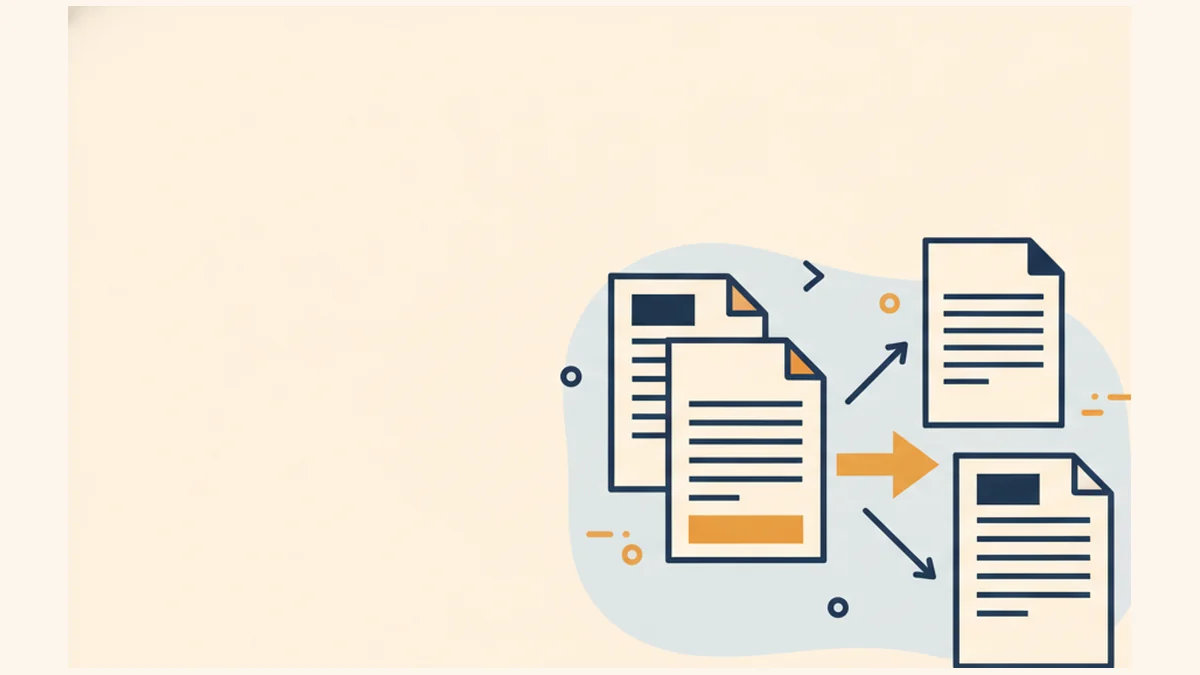
Merge multiple PDF files into one free online — no file uploads, no signup, no watermarks. Step-by-step guide for Mac, Windows & iPhone.
Compress any PDF free online in seconds — reduce file size by up to 80% without losing quality. No file uploads, no signup. Works on any device.
Learn professional techniques to combine multiple PDF documents while preserving image quality, text clarity, and document formatting.
Discover the advantages of browser-based PDF editors over traditional desktop software: better security, convenience, and performance.
Professional techniques to compress PDF files dramatically while maintaining visual quality and document integrity.
We review RaptorPDF, Smallpdf, iLovePDF, PDFescape, and Sejda — speed, privacy, pricing, pros and cons.
Stop bounced emails. Learn the fastest ways to reduce PDF file size for Gmail, Outlook, and Teams.
Master image-to-PDF conversion with tips for quality, batch processing, and mobile workflows.
Complete guide to PDF security: password protection, encryption methods, digital signatures, and privacy best practices for 2026.
Comprehensive comparison of PDF annotation tools: browser-based vs desktop, mobile apps, and academic solutions for digital note-taking.
Master Office to PDF conversion with professional techniques for Word, Excel, PowerPoint documents. Quality optimization and troubleshooting tips.
Compare the top PDF editors that offer free trials. Find which tool suits your needs before committing to a paid plan.
Step-by-step guide to using OCR to make scanned PDFs editable. Works on Mac, Windows, and online — no Adobe needed.
The best PDF annotation tools for Mac — highlight, draw, add comments, and fill forms without leaving your browser.
Free ways to edit, annotate, and sign PDFs on iPhone without watermarks. Includes browser-based and app options.
The fastest free methods to combine PDF files online, on Mac with Preview, and on Windows — no Adobe required.
Which free PDF editors actually have no file size cap? We tested and ranked the best options for large files.
Sign PDFs electronically without Adobe. Step-by-step guide for online, Mac, iPhone, and Windows — legally valid signatures.
Convert PDF to Word while keeping formatting intact. Free methods for Mac, Windows, and online — no Adobe needed.
Fill interactive PDF forms, create new form fields, and export form data — the best free and paid tools compared.
Reduce PDF file size without sacrificing quality. Best practices for compressing during and after editing.
Top-rated Android PDF editors — edit, annotate, sign, and convert PDFs on your phone or tablet for free.
Permanently remove sensitive text, images, and metadata from PDFs. Free and paid redaction tools compared.

An honest comparison of free and premium PDF editor plans — features, limits, and when it's worth paying.
Change PDF title, author, subject, and keywords. Remove hidden metadata for privacy. Free tools and step-by-step instructions.
The top PDF tools for lawyers, paralegals, and legal teams — redaction, e-signatures, annotation, and secure handling.
Insert images, logos, and clickable links into PDFs — free methods for online, Mac, and Windows without Adobe Acrobat.
Turn scanned documents into searchable, editable PDFs. The best OCR-powered PDF tools — free and premium — compared.
Remove PDF passwords and restrictions legally. Free online tools and desktop methods for Mac and Windows explained.

Budget-friendly PDF tools that don't sacrifice features. The best free and low-cost options for students, freelancers, and teams.
Process hundreds of PDFs at once — batch convert, compress, merge, and rename. The best tools for power users and businesses.
Edit, merge, convert, and organize your PDFs without uploading files to any server. All processing happens locally in your browser for maximum privacy and speed.
Open RaptorPDF Tool